Live Like a Pro: Streaming with Kiloview Kilolink Server & P3 Series

Wishlist Share
Share Course
Page Link
Share On Social Media

About Course

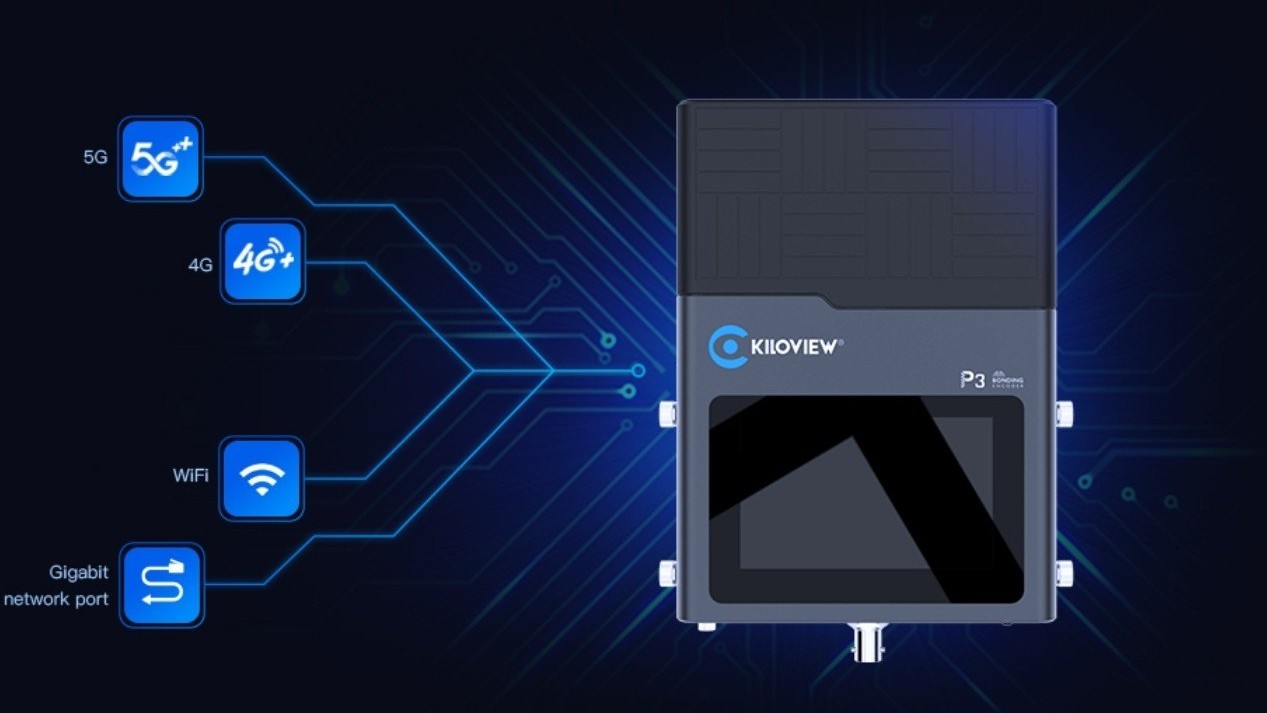
This course provides a comprehensive introduction to the Kilolink Server Pro and P3/P3 Mini, essential tools for professional live video production, remote contribution, and real-time streaming. You will learn how to set up, configure, and operate these devices for seamless live production, adaptive bitrate control, and multi-channel bonding.

.

What Will You Learn?

  • Understand the core features of Kilolink Server Pro and P3/P3 Mini.
  • Set up and configure devices for different live production scenarios.
  • Master protocols for professional streaming.
  • Troubleshoot common issues and optimize video quality.

Course Content

Module 1: Introduction to Kiloview Company
Established in 2011, Kiloview is the leading hardware manufacturer and software developer in the AV over IP industry. Their product line covers a comprehensive range of turnkey solutions, including conversion, transmission, management, monitoring, and recording. Kiloview has rapidly emerged as one of the fastest-growing companies in IP-based industries, ranking No.1 in both technological capabilities & brand influence within the NDI domain. Through a portfolio boasting 60+ intellectual property rights & software copyrights, Kiloview remains committed to “Solving Customers’ Real Problems”. We have continuously pushed boundaries and established long-term strategic partnerships with NewTek, BBC, NBC, CCTV, Youku & many other industry partners. The sales network extends to 150+ countries & regions. Determined to be “Your AV over IP Trailblazer”, we focus on foundational AV over IP technologies. In the ever-evolving landscape, Kiloview prioritize innovative R&D to deliver revolutionary solutions to customers.

  • Introduction to Kilolink Server Pro and P3/P3 Mini
    01:39

Module 2: Device Setup and Configuration
Setting up your Kilolink Server Pro and P3/P3 Mini correctly is crucial for stable, high-quality live streaming. In this module, we will cover the unboxing, initial setup, and basic configuration needed to get your devices up and running. You will learn how to connect power, configure network settings, and access the web interface for advanced control. This foundational step ensures your live streams are reliable, efficient, and easy to manage in real-world production environments

Module 3:Introduction to Video Streaming (Using Kiloview Products)
Video streaming has become the cornerstone of how we consume content in today’s digital world. From live broadcasts of global events to on-demand tutorials and entertainment, streaming powers a wide range of applications across industries. This module provides a solid foundation for understanding how video streaming works, with a focus on Kiloview products — industry-leading tools for encoding, decoding, and IP-based workflows. Whether you're planning to produce live events, create online courses, or set up professional broadcast systems, this module is your starting point.

Module 2: Understanding Streaming Protocols (Using Kiloview Tools)
Behind every video stream is a protocol ensuring the video reaches viewers efficiently and reliably. Whether it's a YouTube livestream or a secure corporate broadcast, choosing the right protocol can make or break your stream. This module introduces the most widely used streaming protocols — RTMP, SRT, NDI, and more — and how to implement them using Kiloview products.

Module 3: Decoding and Monitoring Workflows with Kiloview
Once a stream has been transmitted, the final steps are decoding the video for display and monitoring the stream’s performance. In professional environments, this is just as critical as encoding. In this module, you’ll learn how to use Kiloview decoders and monitoring tools to ensure your streams are received in the best quality possible and are functioning without interruption.

Module 4: Centralized Stream Management Using Kilolink Server Pro
Managing multiple video streams across locations or devices can get complex. Kilolink Server Pro is Kiloview’s centralized control platform that lets you monitor, manage, and troubleshoot all your encoders and decoders in one place — no matter where they are. In this module, you’ll learn how to set up, configure, and use Kilolink Server Pro for remote operations and network-wide stream management.

Student Ratings & Reviews

No Review Yet

No Review Yet

Want to receive push notifications for all major on-site activities?