Cut & Color: Editing with DaVinci Resolve by Blackmagic Design

About Course
Course Overview
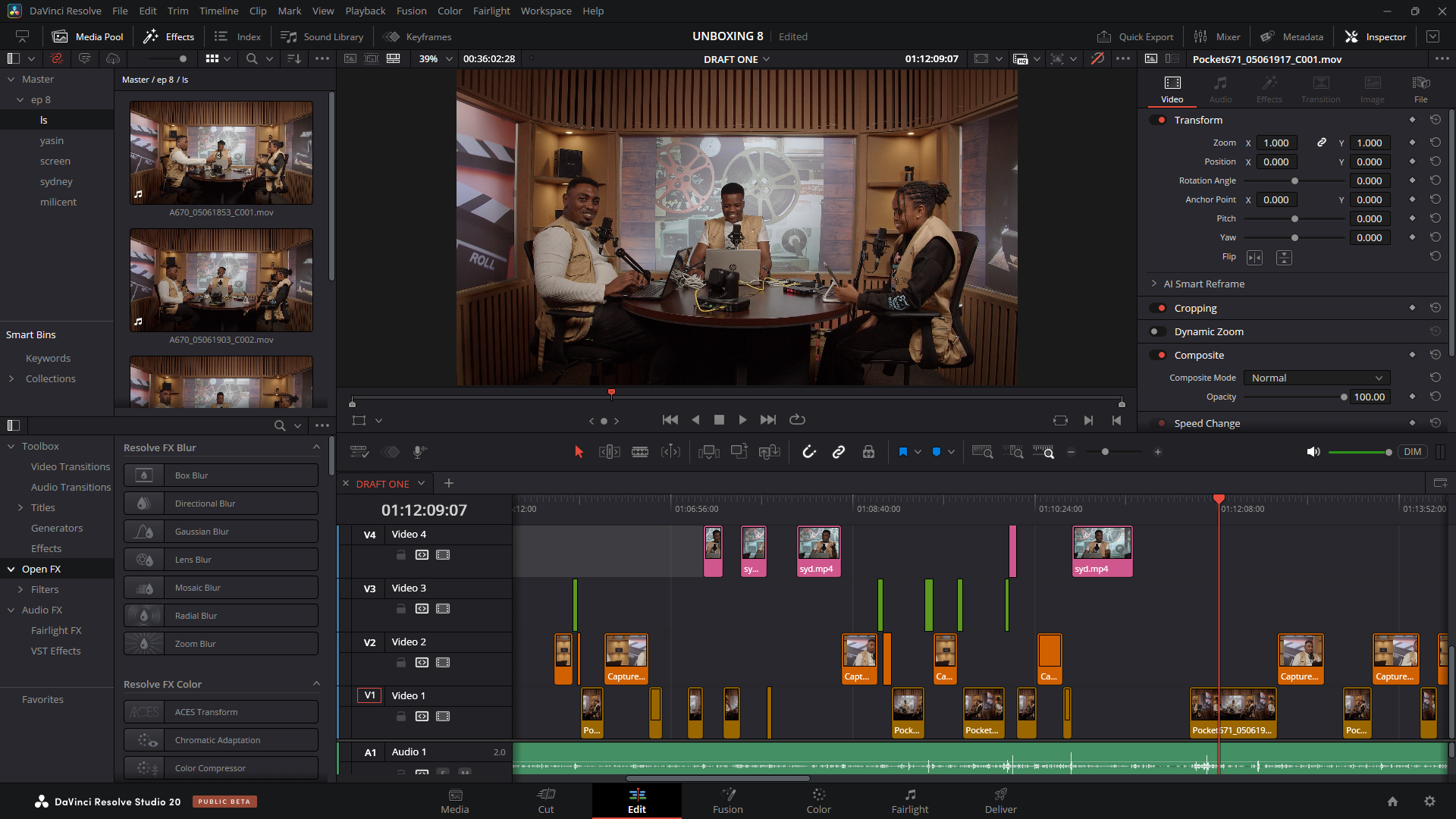
This comprehensive DaVinci Resolve course is designed to take you from a beginner to a confident video editor, colorist, and visual effects artist. Through practical, hands-on projects and detailed lessons, you’ll master every aspect of DaVinci Resolve 19, from basic editing to advanced color grading, audio mixing, and VFX creation using Fusion. Whether you’re a filmmaker, content creator, or aspiring post-production professional, this course will provide you with the skills to create stunning, professional-quality videos
Overview of DaVinci Resolve
What is DaVinci Resolve?
DaVinci Resolve is a comprehensive, all-in-one post-production software developed by Blackmagic Design. It is widely recognized for its advanced editing, color correction, visual effects (VFX), motion graphics, and audio post-production capabilities.
Unlike other software, it integrates every aspect of the production process into a single platform, making it a preferred choice for professional TV and film editors.
Key Features and Capabilities:
- Professional Editing Tools: Advanced trimming, ripple edits, and multicam editing.
- Color Grading Suite: World-class color correction with HDR support and real-time grading.
- Visual Effects and Motion Graphics: Node-based effects, 3D compositing, and Fusion integration.
- Audio Post (Fairlight): High-quality audio mixing, ADR, and real-time effects.
- Collaboration Tools: Multi-user timeline collaboration with integrated project management.
- Delivery Flexibility: Export options for broadcast, OTT, and social media.
The Importance of DaVinci Resolve in TV Production:
- High-Quality Broadcast Standards: Ensures professional-grade quality for TV.
- End-to-End Workflow: Eliminates the need for multiple software in the post-production pipeline.
- Cost-Effective: Free and paid versions available, making it accessible to small and large studios alike.
- Industry Standard: Used by leading broadcasters and production companies worldwide.
- Scalability: Suitable for single editors and large post-production teams with shared storage and multi-user projects.
Course Content
Module 1: Introduction to DaVinci Resolve
-
Introduction to DaVinci Resolve Editing
01:09:37 -
Blackmagic Design Davinci Resolve Editor – Quiz
-
Introduction to Editing Part 2
44:36 -
DaVinci Resolve Editing Workflow Part II- Quiz
Module 2: Video Editing Essentials
Module 3: Color Grading Fundamentals
Module 4: Audio Post-Production with Fairlight
Module 5: Visual Effects with Fusion
Module 6: Project Delivery and Management
DaVinci Resolve Mastery Assessment Quiz
Student Ratings & Reviews